
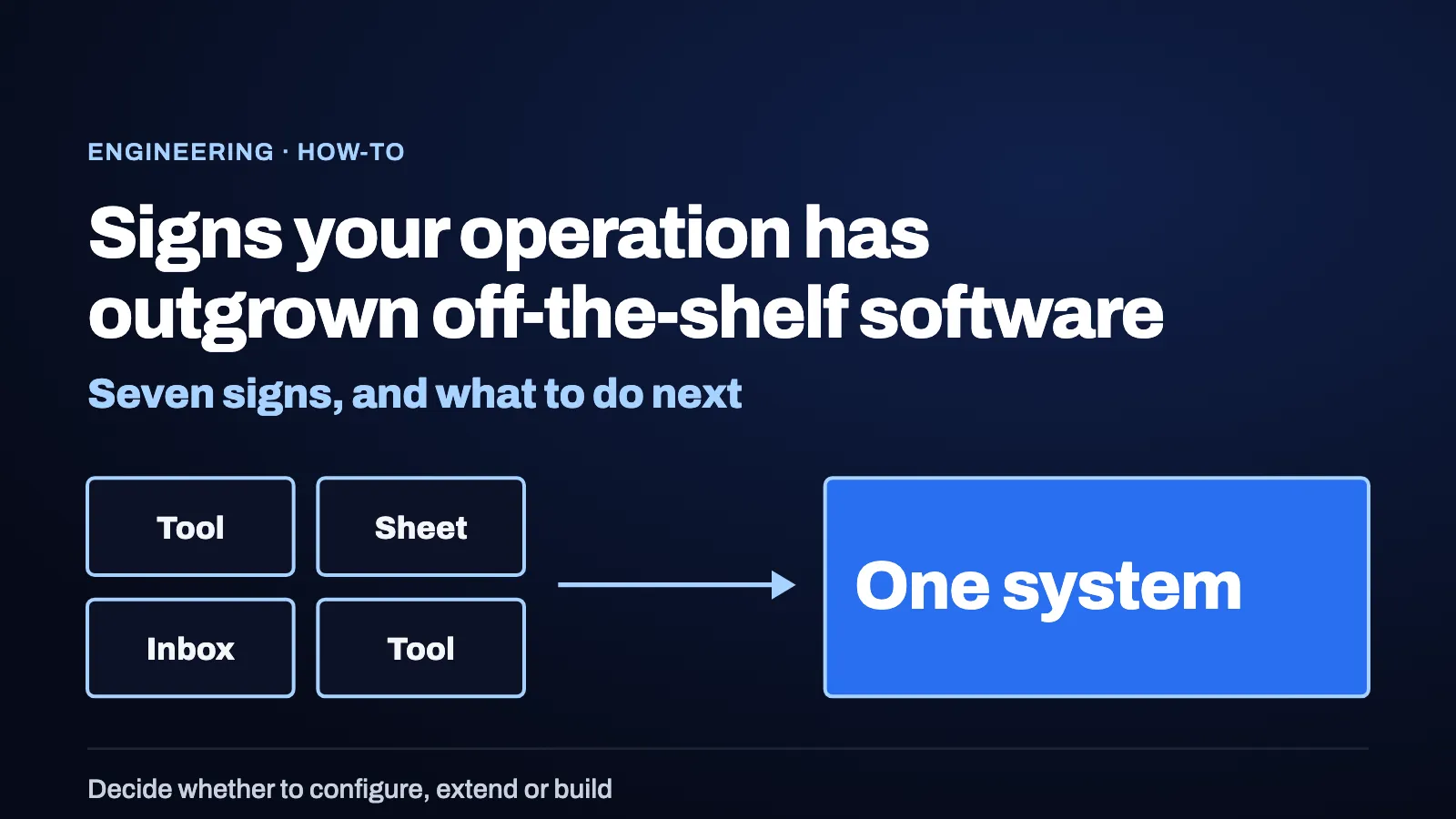
An operation has outgrown off-the-shelf software when its work crosses several tools, its rules live in workarounds, and the tool’s settings cannot express how you run. The signs can be visible in daily work before anyone names them. This article gives seven of them, a way to choose between configuring, extending and building, and a way to move in steps.
You have outgrown off-the-shelf software when the process you run no longer fits the tool, and the gap is filled by people, spreadsheets and workarounds.
This article is for operators who answer for a process, and for the technical owners who support it. It builds on build vs buy for an AI platform, which covers the layers of a system and what to buy at each.
Key takeaways
- Look at the gap, not the tool. Outgrowing software shows up as manual work around it.
- Try the lightest option first. Configure, then extend, then build.
- Seven signs can help. Several ticks suggest it is time to compare your options.
- AI can raise the stakes. An agent that acts needs permissions, approvals and a record.
- Move in steps. Replace one part of the process at a time.
What does it mean to outgrow off-the-shelf software?
Standard software is built for many customers, so it fits the common shape of a process. An operation outgrows it when its own shape differs in ways that matter: its rules, its approvals, its mix of systems. The tool still works, and the people around it carry the difference.
What are the seven signs?
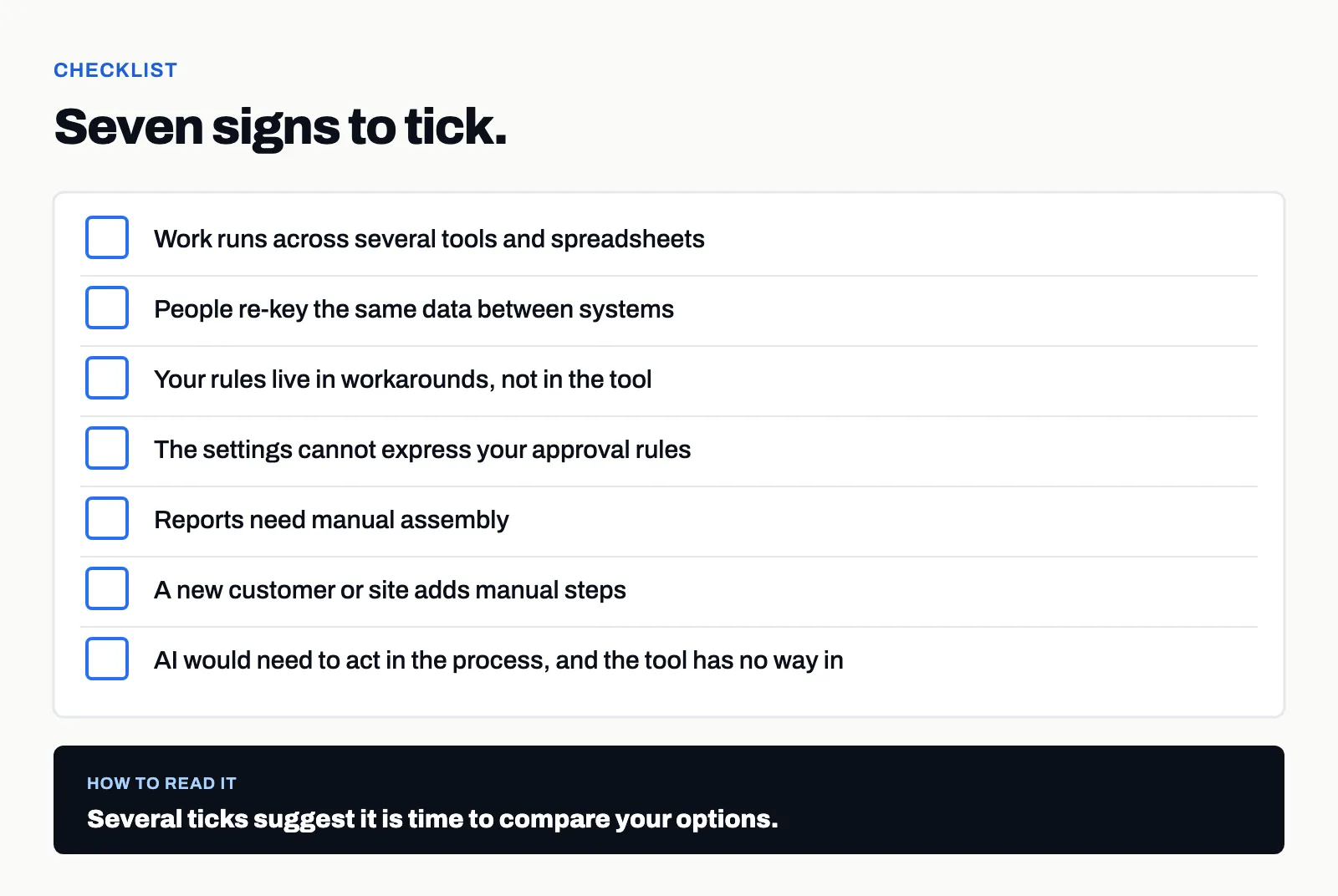
- Work runs across several tools and spreadsheets. One process touches many places, and someone keeps them aligned.
- People re-key the same data between systems. Each re-key is a chance for a mismatch.
- Your rules live in workarounds, not in the tool. A step exists because someone remembers it.
- The settings cannot express your approval rules. Who may approve what depends on conditions the tool does not model.
- Reports need manual assembly. Someone builds the weekly view by hand.
- A new customer or site adds manual steps. Growth adds work.
- AI would need to act in the process, and the tool has no way in. There is no controlled route for permissions, approvals or a record.
One sign alone can be a configuration problem. Several together suggest the process and the tool have drifted apart.
How do you measure the gap before you decide?
Ask the process owner to keep a simple log for one month. Note the time spent re-keying data, assembling reports by hand and working around the tool, and note how many tools a single case passes through. Keep the same form each week, with a name beside each entry.
This is your baseline. It turns “it feels slow” into something a team can compare, and it gives you a way to check each step you take, whether you configure, extend or build. After each step, record what changed and what did not. The log measures the process, not the people, and it exists to support a decision.
Is it a sign, or a configuration problem?
Check before you decide. Ask the owner of the tool what its settings can already do. Some gaps can close with a change to a setting, a field or a workflow the team did not know about. A sign counts when the answer is that the tool cannot express the rule, not that nobody has set it up.
How do you choose between configuring, extending and building?
Try the lightest option that fits.
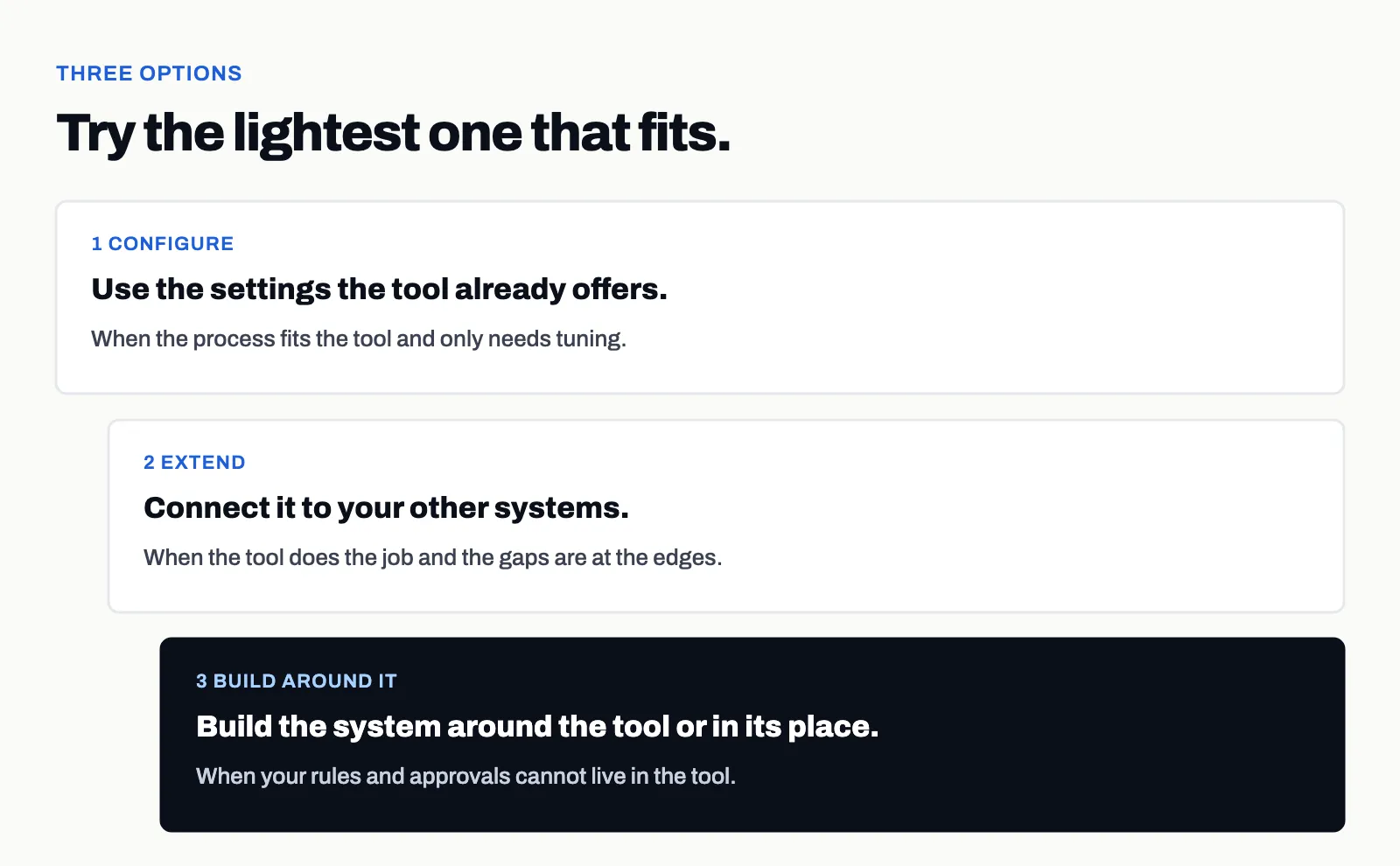
- Configure when the process fits the tool and only needs tuning.
- Extend when the tool does the job and the gaps are at the edges. Connecting it to your other systems is covered in integrating an AI pilot with the systems you already run.
- Build around it when your rules and approvals cannot live in the tool. An operation can end up with both: tools they keep, and a system around them that holds what is specific to them.
What changes when AI enters the process?
AI can turn a tolerable gap into a blocker. A person can bridge two tools with judgment. An agent that acts needs a defined route: the permissions it holds, the actions that need approval, and a record of what it did. If the tool offers none of those, the AI has to run beside the process and not inside it, which is one reason pilots stall, described in why AI pilots stall. When AI needs the system around it, we build that too.
How do you move without a big bang?
Replace one part of the process at a time. Martin Fowler describes this as the strangler fig approach to legacy modernization: an incremental replacement that makes investment and returns occur gradually and visibly, so the organization can adapt as it goes.
In practice: pick the part of the process with the clearest pain, build that part, run it beside the old way, and check the result before you take the next part. Write what production means for each step, as in define production for an AI system.
What goes wrong when teams wait?
- The workarounds spread. Each new customer or site adds another one.
- Knowledge sits in a few people. The process depends on who remembers it.
- AI projects stay beside the process. They can stay without the access they need.
What should you do next?
Take one process and tick the seven signs. For each tick, ask whether a setting, an integration or a build would close it. If the answer is to build, we start with a fixed scope, a fixed price and a named senior lead. Read more on the platform builds page.
Bring us the problem, not the specification. Book a call. One call is enough to know whether we can help.
Questions
- How do I know my operation has outgrown off-the-shelf software?
- Look for signs such as work running across several tools and spreadsheets, people re-keying data, rules living in workarounds, and settings that cannot express your approval rules. Several signs together suggest it is time to compare options.
- Should I configure, extend or build?
- Try the lightest option that fits. Configure the tool first, extend it with integrations next, and build the system around it when your rules and approvals cannot live in the tool.
- Does needing AI mean I have outgrown my software?
- Not by itself. It can be a sign when AI would have to act inside the process and the tool offers no controlled way in, such as permissions, approvals and a record.
- Do I have to replace everything at once?
- No. A system can be replaced in steps, one part of the process at a time, so that investment and results appear gradually and you can check each step.
- What should be decided before building?
- The process the system supports, the rules and approvals it has to apply, which systems it connects to, who owns it, and what production means for it, written on one page.
- Who owns the code and data in a platform build?
- In a platform build with us, your custom code, modules and data stay yours.
Bring us the problem.
Book a call